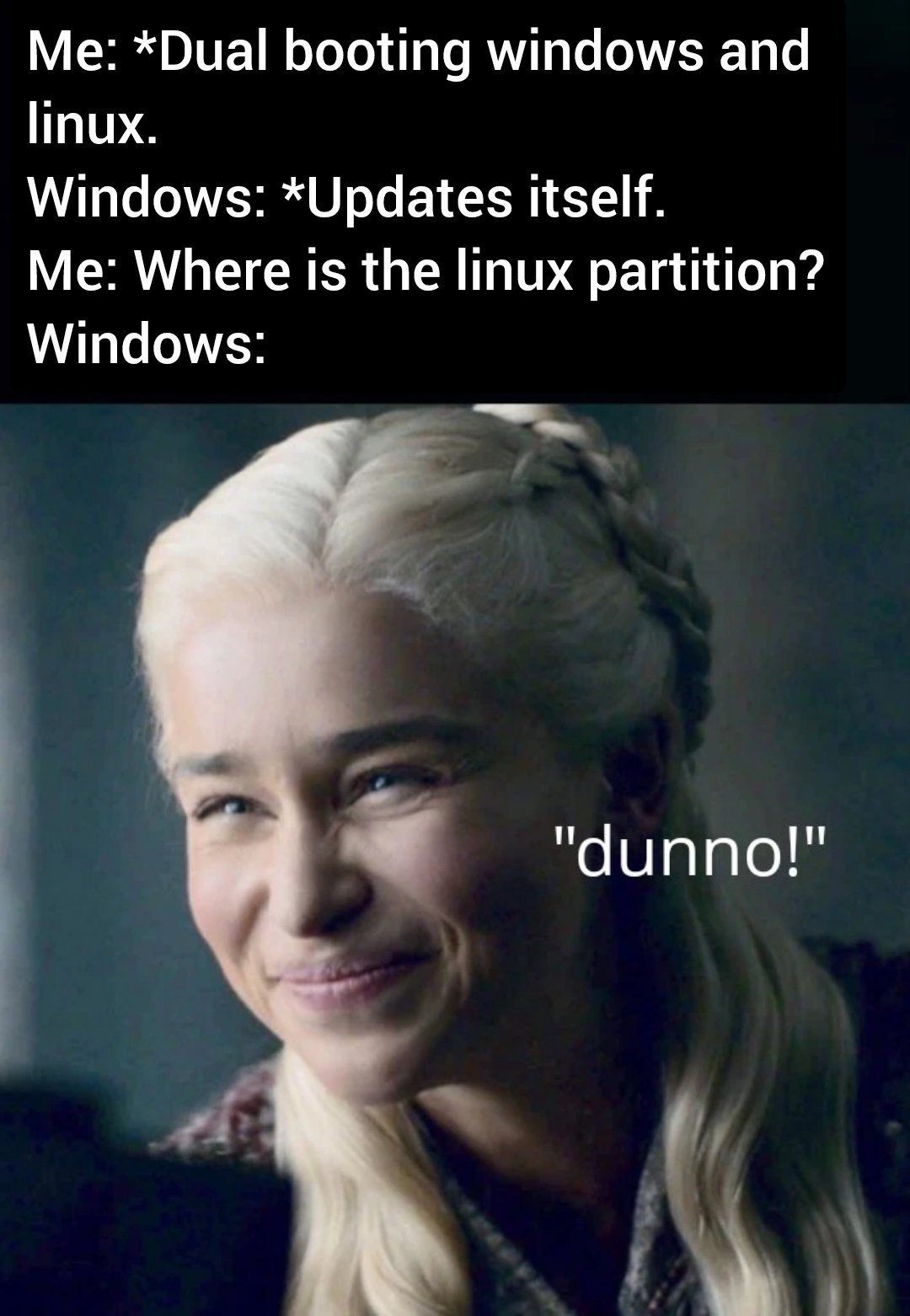
drbi@lemmy.world to linuxmemes@lemmy.world · 3 years agoWindows eats partitionslemmy.worldimagemessage-square216linkfedilinkarrow-up11.62Karrow-down166
arrow-up11.56Karrow-down1imageWindows eats partitionslemmy.worlddrbi@lemmy.world to linuxmemes@lemmy.world · 3 years agomessage-square216linkfedilink
minus-squarerobert@lemm.eedeleted by creatorlinkfedilinkarrow-up20·3 years agoJust protect bios/uefi with password and windows won’t be able to modify any other EFI entry. It worked when i’ve dual-booted, it should still work.
minus-squareYerbouti@lemmy.mllinkfedilinkarrow-up6·3 years agoHow can I do that? I’m dual booting but was not aware of this, makes me a little nervous…
minus-squarerobert@lemm.eedeleted by creatorlinkfedilinkarrow-up2·3 years agoNo need to worry, it’s in your BIOS under security section. You can check if you set correct one by trying to change boot device: if there’s password prompt, you’re now safe from windows update “repair”.


Just protect bios/uefi with password and windows won’t be able to modify any other EFI entry. It worked when i’ve dual-booted, it should still work.
How can I do that? I’m dual booting but was not aware of this, makes me a little nervous…
No need to worry, it’s in your BIOS under security section. You can check if you set correct one by trying to change boot device: if there’s password prompt, you’re now safe from windows update “repair”.
All right I’ll do that, thanks!